Everything you need to recommend HookTide.
Ready-to-post copy, the points worth making, the best pages to send people to, and banners. Paste your referral link and every piece below fills it in for you.
Find it in your Lemon Squeezy affiliate dashboard. Not an affiliate yet? Join the program.
What to say about it.
In one sentence
HookTide learns how you write on LinkedIn, then plans, drafts and schedules your posts in that voice, and tells you who's worth talking to.
In three
HookTide is an AI tool for LinkedIn that writes in your voice. It learns from your own posts and comments, plans a month of topics, and drafts posts, carousels, comments and DMs you'd actually put your name to. It schedules everything for you and flags the people engaging with you who are worth a conversation.
What it does
- Voice model
- Built from your own posts, comments and profile, and sharpened by what performs.
- Monthly planner
- A month of topics mapped to what you know and who you want to reach.
- Posts and carousels
- Drafted in your voice, with a matching image or a multi-slide PDF.
- Comments and DMs
- Replies and outreach drafted for you.
- Scheduling
- Queue weeks ahead; HookTide publishes to LinkedIn when they're due.
- Opportunity Inbox
- Flags who's engaging with you and worth a DM, scored against who you sell to.
- Comment Queue
- Up to 30 relevant posts a week to comment on, with replies pre-drafted.
Who it's for
Professionals whose next client, hire or job comes from being known: consultants, coaches, founders, sales people, recruiters, people job hunting, and the agencies and ghostwriters who post for them.
Price and trial
- 14-day free trial with full access and 10 credits. No card needed.
- Then $59/month, or $588/year (two months free).
- 300 credits a month: a post or carousel is 1, a comment or DM is 0.5, an image is 2.
When people push back
“Isn't this just ChatGPT?”
ChatGPT starts from nothing each time. HookTide starts from your own posts and comments, keeps a month of content planned, schedules and publishes it, and tells you who's worth following up with.
“Will it sound like AI?”
It's modeled on the person's own writing, and they edit before anything goes out. If their history is thin, a short onboarding fills the gaps, and the voice improves as they use it.
“I don't have time for LinkedIn.”
That's the point of it. New users land in the app with their first post already drafted, and a normal day is minutes of editing and scheduling.
“Is my LinkedIn account safe?”
You connect through LinkedIn's own sign-in, so HookTide never sees your password. Data is encrypted and never shared.
“How is it different from Taplio, Supergrow or AuthoredUp?”
HookTide is built around the person's own voice and a monthly plan, plus finding the people worth talking to. The comparison pages below go through each tool feature by feature.
Ready to post.
Replace the [brackets] with your own experience. A real detail from you will do more than any line we could write.
LinkedIn post: "It sounds like me"
The main angle. Works best with your own before/after in the brackets.
I stopped using ChatGPT for my LinkedIn posts.

Not because AI writes badly. Because it didn't write like me. Every draft came out polished, a little breathless, and obviously not mine. [One line on what you used to do, or how long a post took you.]

For the last [few weeks] I've used HookTide. It reads your own posts and comments first, then drafts the way you actually write: your sentence length, how you open, the words you use and the ones you never would.

What I use it for:
→ [e.g. turning a client conversation into a post]
→ [e.g. planning the month in 20 minutes]
→ [e.g. replying to comments when I'm short on time]

I still edit every post. But I start from something that sounds like me, not a template.

There's a free 14-day trial, no card needed: [your link]

(Affiliate link: I earn a commission if you subscribe, at no extra cost to you.)
LinkedIn post: my routine
For people who keep meaning to post more.
My LinkedIn routine now takes about [20] minutes a day.

[Sunday]: I open a month of topics built around what I know and who I want to reach, and pick this week's.
Most mornings: a draft is waiting, written in my voice. I add the story only I know and schedule it.
Between calls: I reply to comments. Those first drafts are done for me too.

The tool behind it is HookTide. What sold me is that it learns from your own posts before it writes anything, so the drafts don't read like everyone else's AI content.

If posting consistently is the thing you keep putting off, try it free for 14 days: [your link]

(Affiliate link: I earn a commission if you subscribe, at no extra cost to you.)
LinkedIn post: before and after
Paste a generic AI opening and HookTide's version of the same idea.
Same idea, two drafts.

Generic AI:
"[paste the opening a generic AI gave you]"

HookTide, after reading my old posts:
"[paste HookTide's opening for the same idea]"

The second one is how I'd actually say it. That's the whole point: it learns your voice from what you've already written, then plans and drafts in it.

14 days free, no card: [your link]

(Affiliate link: I earn a commission if you subscribe, at no extra cost to you.)
LinkedIn post: turning likes into conversations
For consultants, founders and sales people. Mentions Pipeline features.
Most of the value of posting on LinkedIn sits in the comments and likes nobody follows up on.

The HookTide feature I didn't expect to use this much is the Opportunity Inbox. It looks at who's engaging with your posts, scores them against who you actually sell to, and flags the ones worth a message. It drafts the DM in your voice and reminds you to follow up.

[Your result, e.g. "Two of last month's calls started there."]

It covers the content side too: a month of topics, posts drafted in your voice, scheduling.

Try it free for 14 days: [your link]

(Affiliate link: I earn a commission if you subscribe, at no extra cost to you.)
LinkedIn post: for ghostwriters and agencies
For people who write for clients.
If you write LinkedIn posts for other people, the hard part isn't the writing. It's sounding like each person, every week, without an interview every time.

I've been using HookTide for [this]. It builds a voice profile from someone's existing posts and comments, then plans a month ahead, drafts and schedules in that voice. Each person connects their own LinkedIn, so the voice comes from their writing, not a style guide.

[Your result, e.g. "First drafts now need a light edit instead of a rewrite."]

Free 14-day trial: [your link]

(Affiliate link: I earn a commission if you subscribe, at no extra cost to you.)
LinkedIn post: short recommendation
For when people ask what you use.
People ask what I use for LinkedIn: it's HookTide. It learns how you write from your own posts, plans a month of topics and drafts them in your voice. Free for 14 days, then $59/month. [your link] (affiliate link)
Newsletter blurb
Tool I'm using: HookTide

If you post on LinkedIn, or keep meaning to, HookTide is worth a look. It reads your existing posts and comments to learn how you write, then plans a month of topics and drafts posts, carousels, comments and DMs in that voice. It can schedule and publish for you, and it flags the people engaging with you who are worth a conversation.

There's a 14-day free trial, no card needed: [your link]

Affiliate link: I earn a commission if you subscribe, at no extra cost to you.
Note to a client or community
Hi [name], you mentioned [posting on LinkedIn takes too long]. I've been using HookTide for that. It learns your writing style from your past posts and drafts in it, so you're editing instead of starting from a blank page. Free for 14 days, no card: [your link] (full disclosure: it's an affiliate link)
X / Threads
The LinkedIn tool I'd recommend: HookTide. Learns your voice from your own posts, plans the month, drafts and schedules. 14 days free: [your link] (affiliate link)
"Tools I use" page
HookTide: AI for LinkedIn that writes in your voice. It learns from your own posts, then plans, drafts and schedules your content, and flags the people engaging with you who are worth a DM. Free 14-day trial, then $59/month. [your link]
Disclosure line
Put it next to the link. Advertising rules in most countries require it.
Affiliate link: I earn a commission if you subscribe, at no extra cost to you.
Where to send people.
Your code works on every page of hooktide.io, so send people where they'll be most at home. A referral counts if they start a paid plan within 30 days of clicking, in the same browser.
Start here
Homepage
https://hooktide.io
Pricing and the free trial
https://hooktide.io/pricing
By who they are
Consultants
https://hooktide.io/for/consultants
Coaches
https://hooktide.io/for/coaches
Founders
https://hooktide.io/for/founders
Sales
https://hooktide.io/for/sales-teams
Recruiters
https://hooktide.io/for/recruiters
Agencies
https://hooktide.io/for/agencies
Marketers
https://hooktide.io/for/marketers
Executives
https://hooktide.io/for/executives
Solopreneurs
https://hooktide.io/for/solopreneurs
Creators
https://hooktide.io/for/creators
Comparisons, for people already shopping
HookTide vs Taplio
https://hooktide.io/compare/hooktide-vs-taplio
HookTide vs Supergrow
https://hooktide.io/compare/hooktide-vs-supergrow
HookTide vs AuthoredUp
https://hooktide.io/compare/hooktide-vs-authoredup
All comparisons
https://hooktide.io/compare
Free tools, a softer first step
All 20 free LinkedIn tools
https://hooktide.io/tools
Headline generator
https://hooktide.io/tools/headline-generator
Profile optimizer
https://hooktide.io/tools/profile-optimizer
Carousel maker
https://hooktide.io/tools/carousel-maker
Roast My LinkedIn
https://hooktide.io/tools/roast
Banners and images.
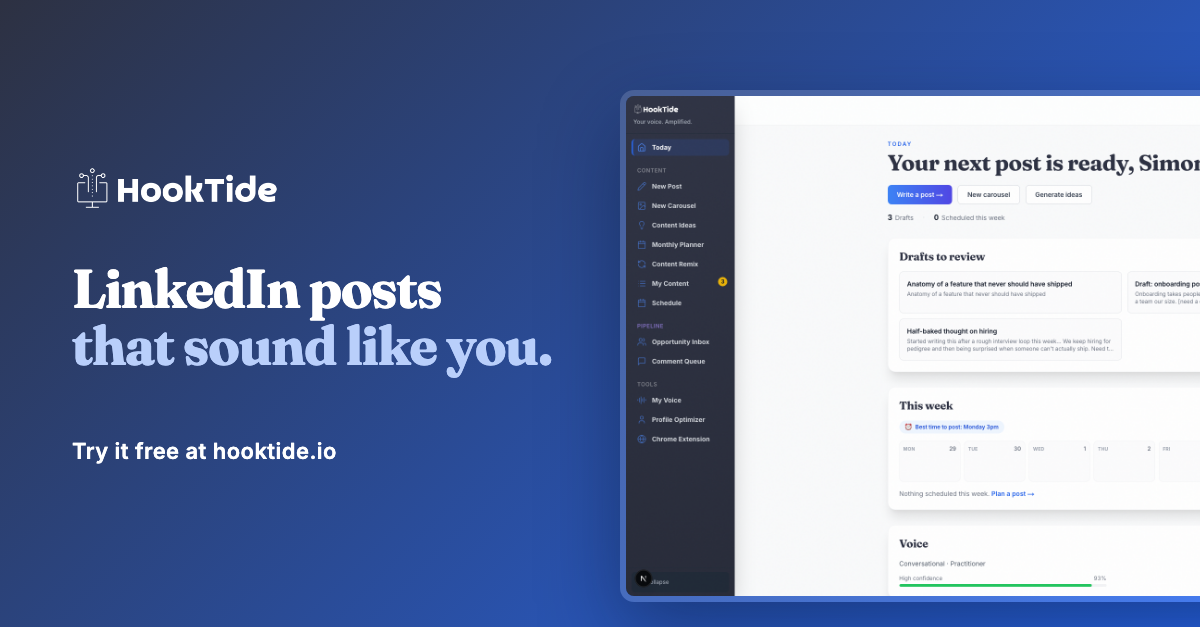
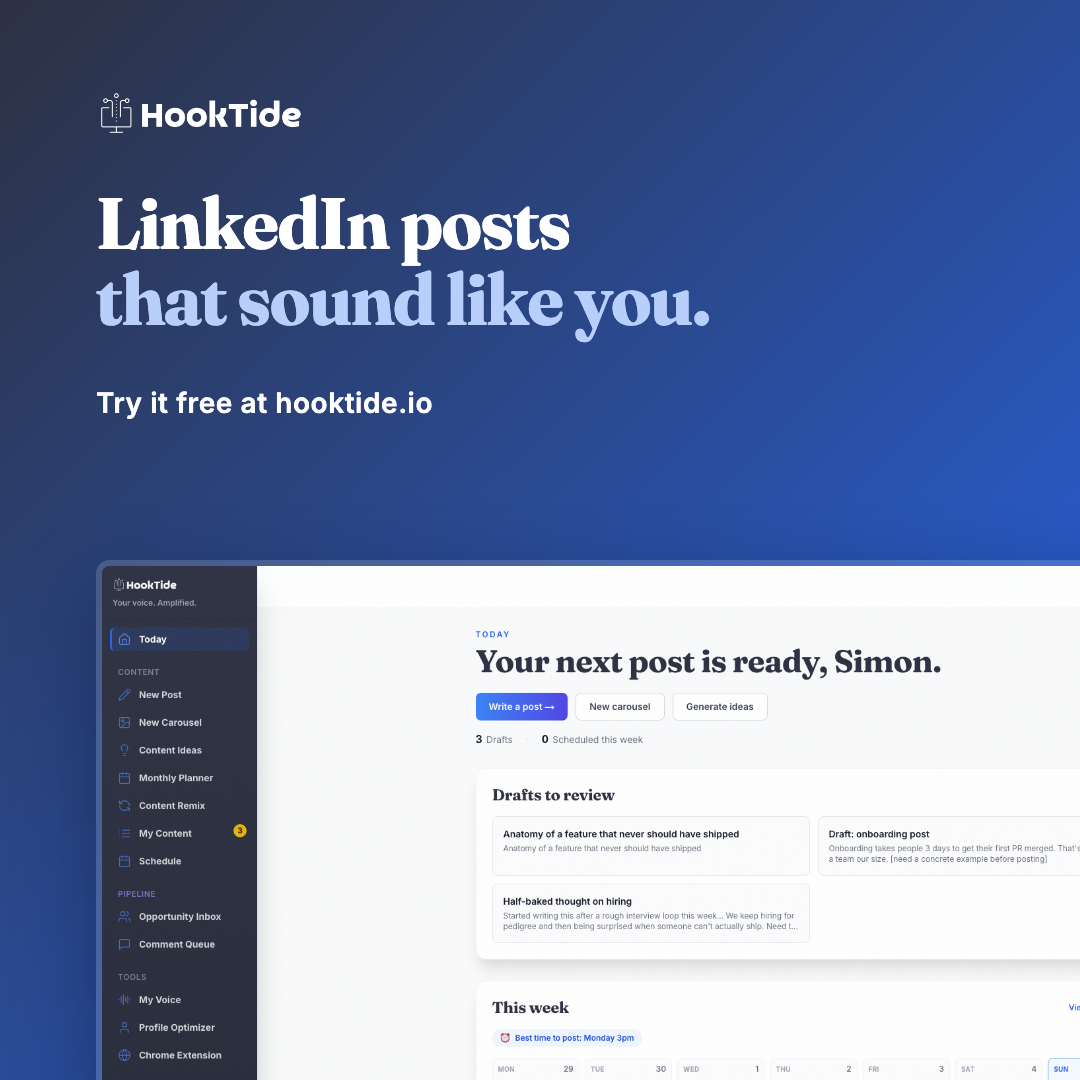
For link previews, feed posts and newsletters. Put your referral link in the post or under the image; it can't live inside a picture.